Crazyrouter API Document
🇺🇸 English
  • 中文
  • 🇺🇸 English
🇺🇸 English
  • 中文
  • 🇺🇸 English
🇺🇸 English
  • 中文
  • 🇺🇸 English
API 参考快速开始接入教程
官网模型与价格控制台
API 参考快速开始接入教程
官网模型与价格控制台
  1. 接入教程
  • Codex
  • N8N
  • Gemini CLI
  • Claude Code Installation and Usage Guide
  • CherryStudio Configuration Guide
  • dify Configuration Guide
  • cline
  • aider
  • Cursor
  • lobechat
  • ChatBox
  • gpt_academic
  • nextchat
  • zotero gpt
  • CLAUDE DEV
  • ChatGPT Sidebar
  • chatgpt-on-wechat
  • chatgpt GPT Academic
  • RikkaHub
  • Coze Workflow Configuration Guide
  1. 接入教程

N8N

n8n Workflow Configuration Guide#

1.
Create a new workflow
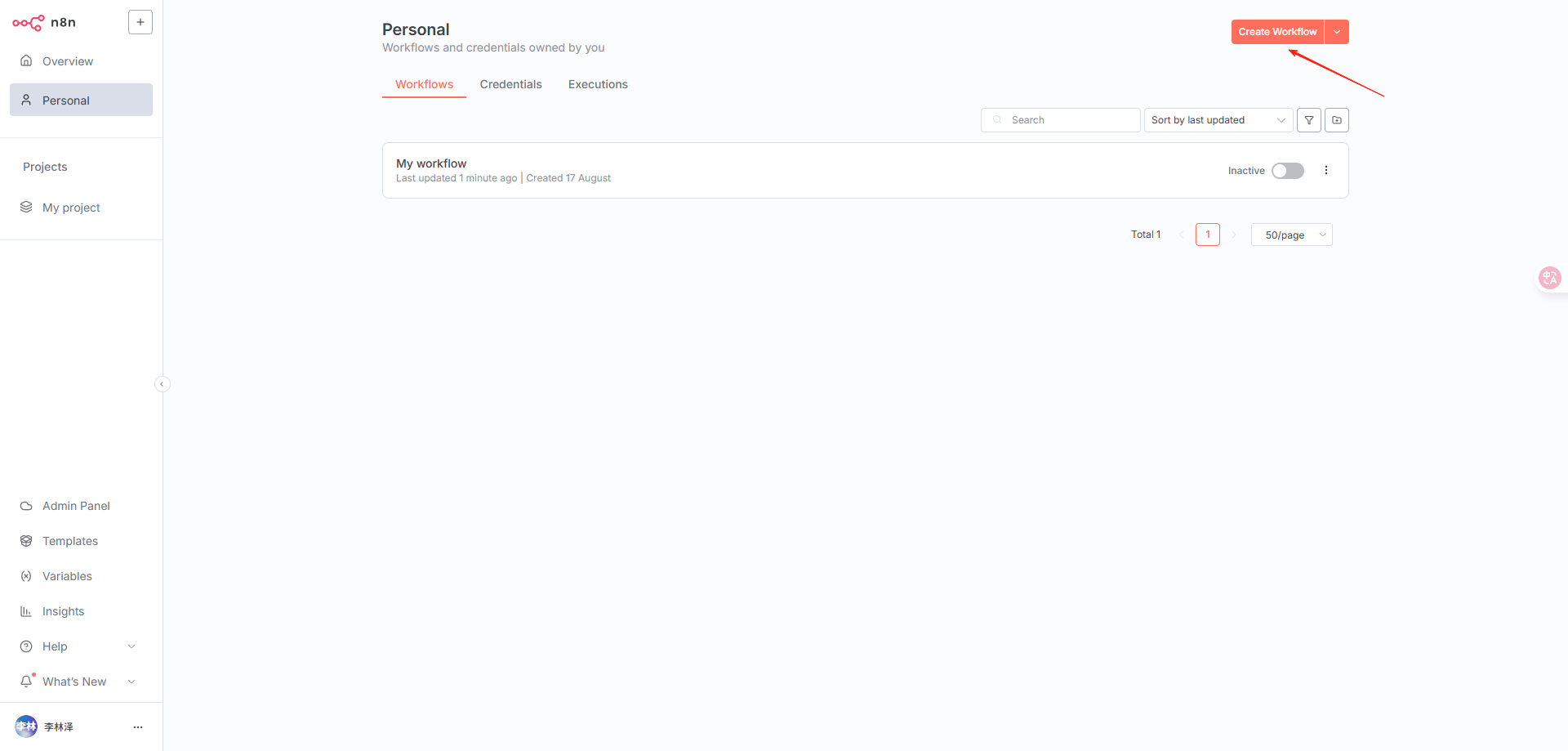
image.png
2.
Select an appropriate trigger method. I chose the first option: Manual Trigger
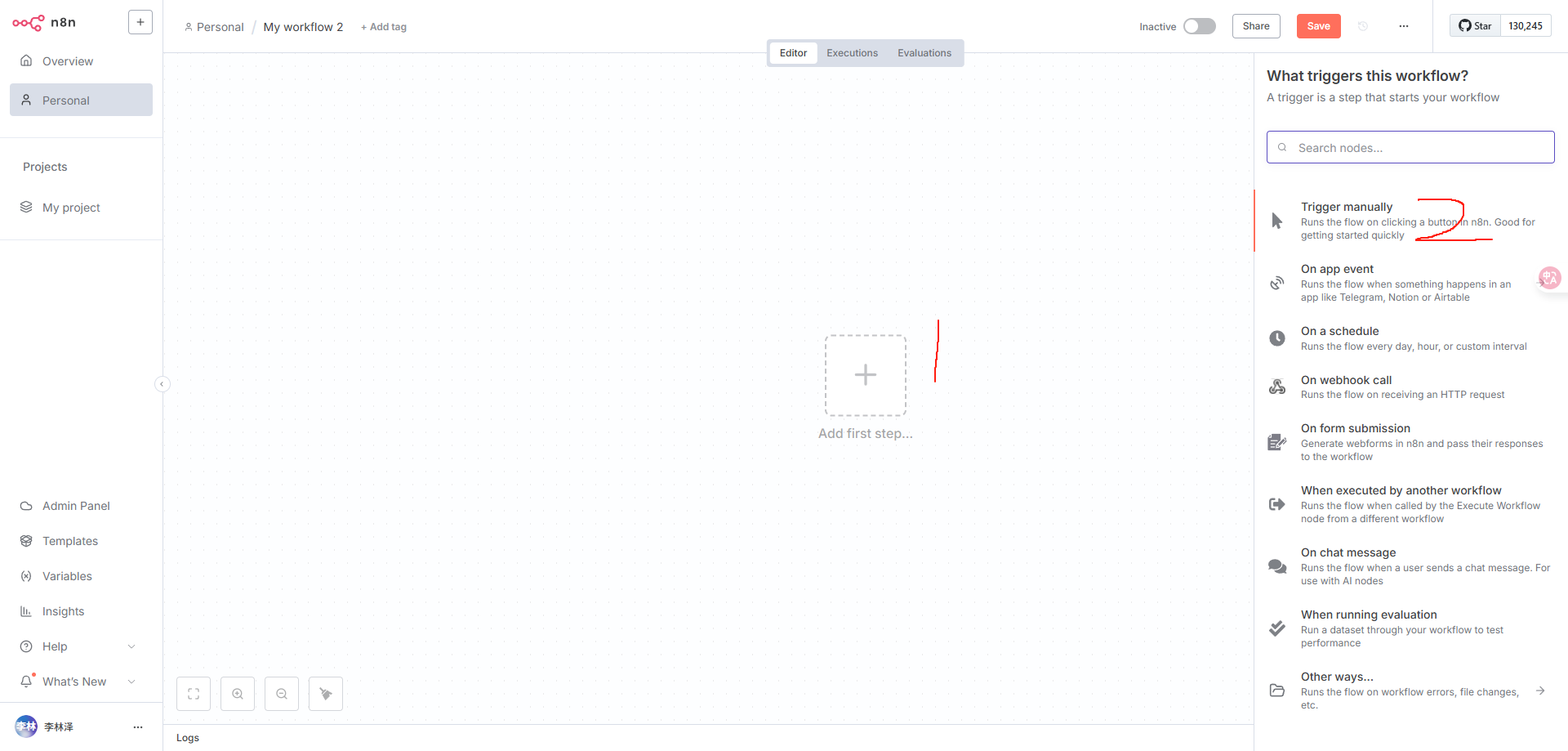
image.png
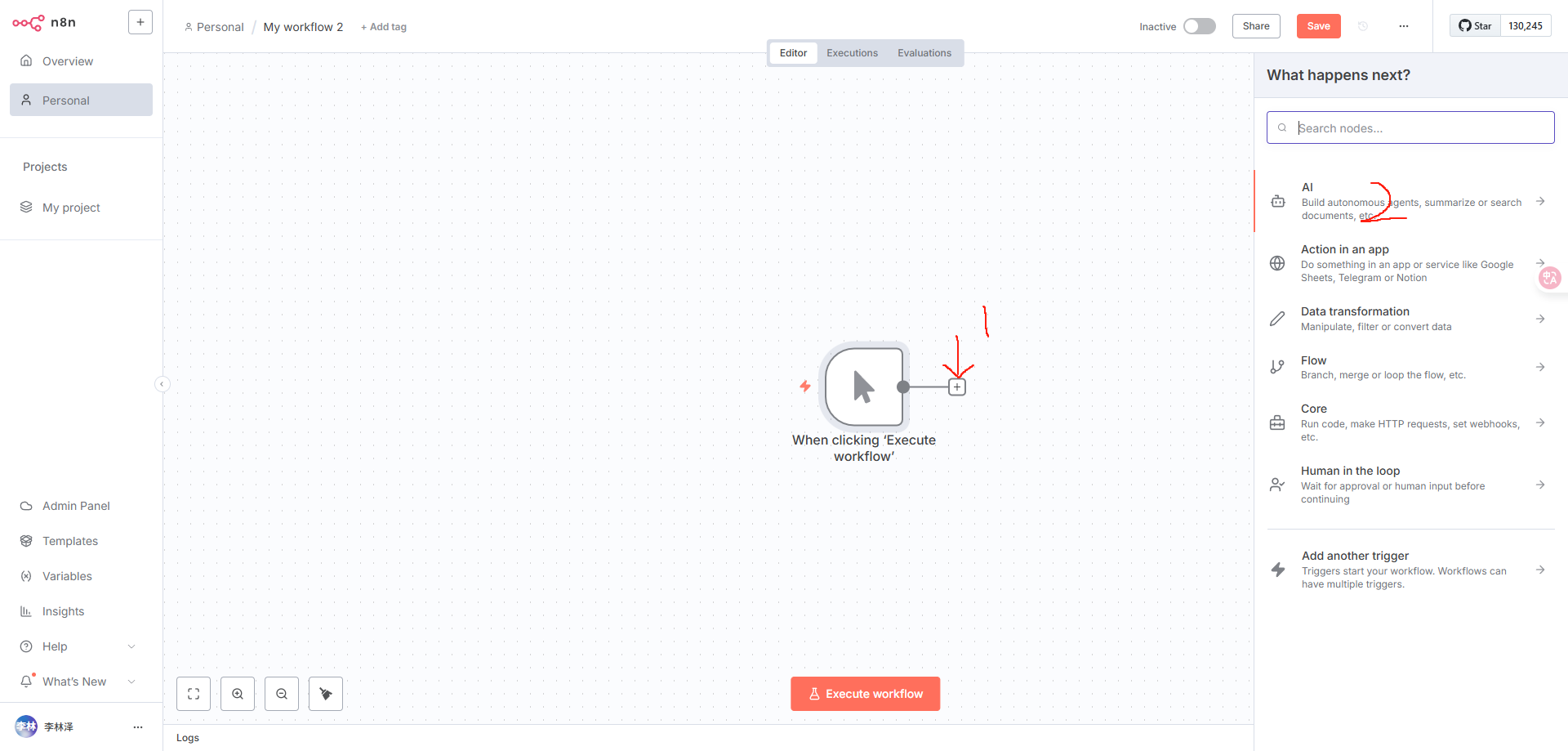
3.
Add the next workflow module
image.png
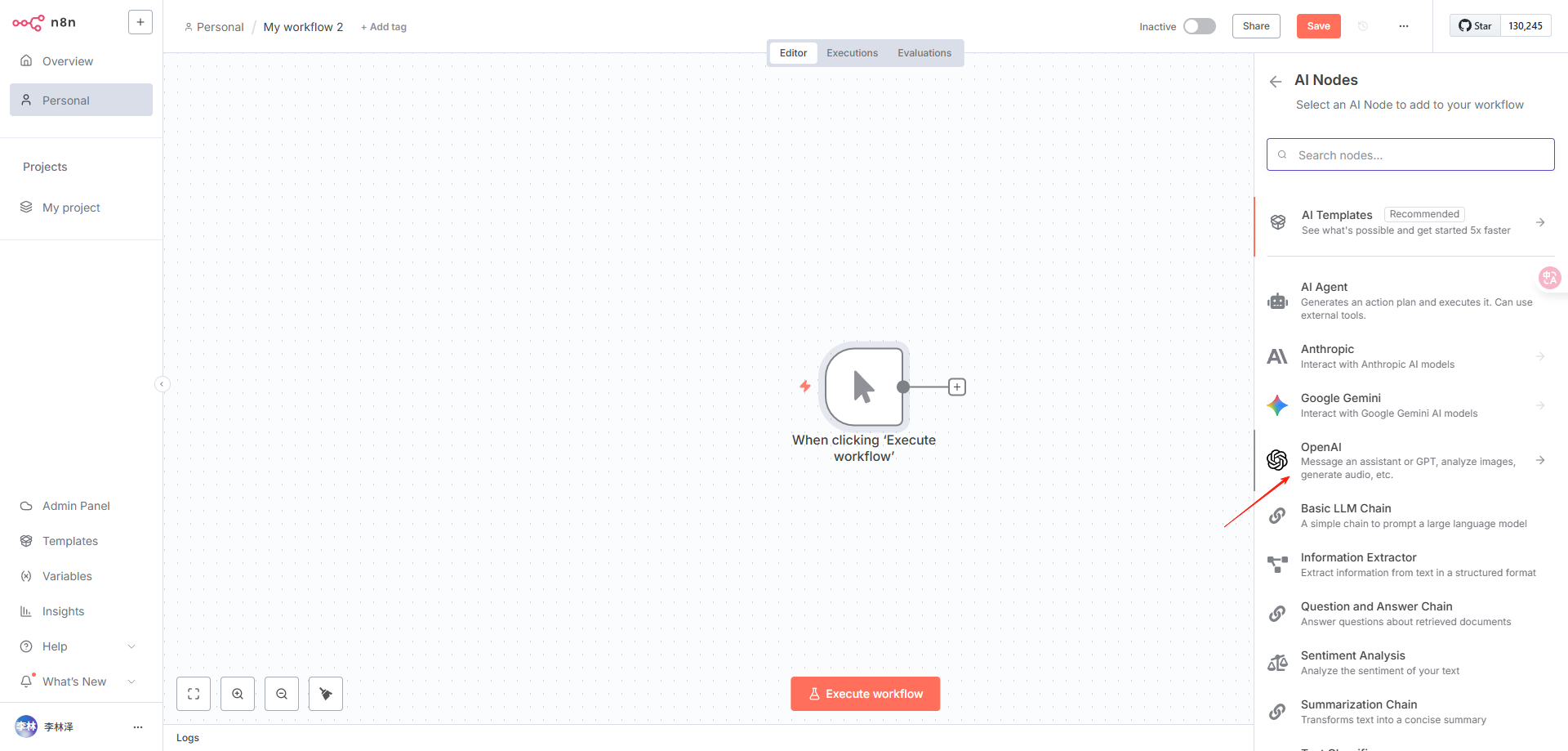
4.
Select OpenAI
image.png
5.
For chat functionality, you must select "Message a Model"
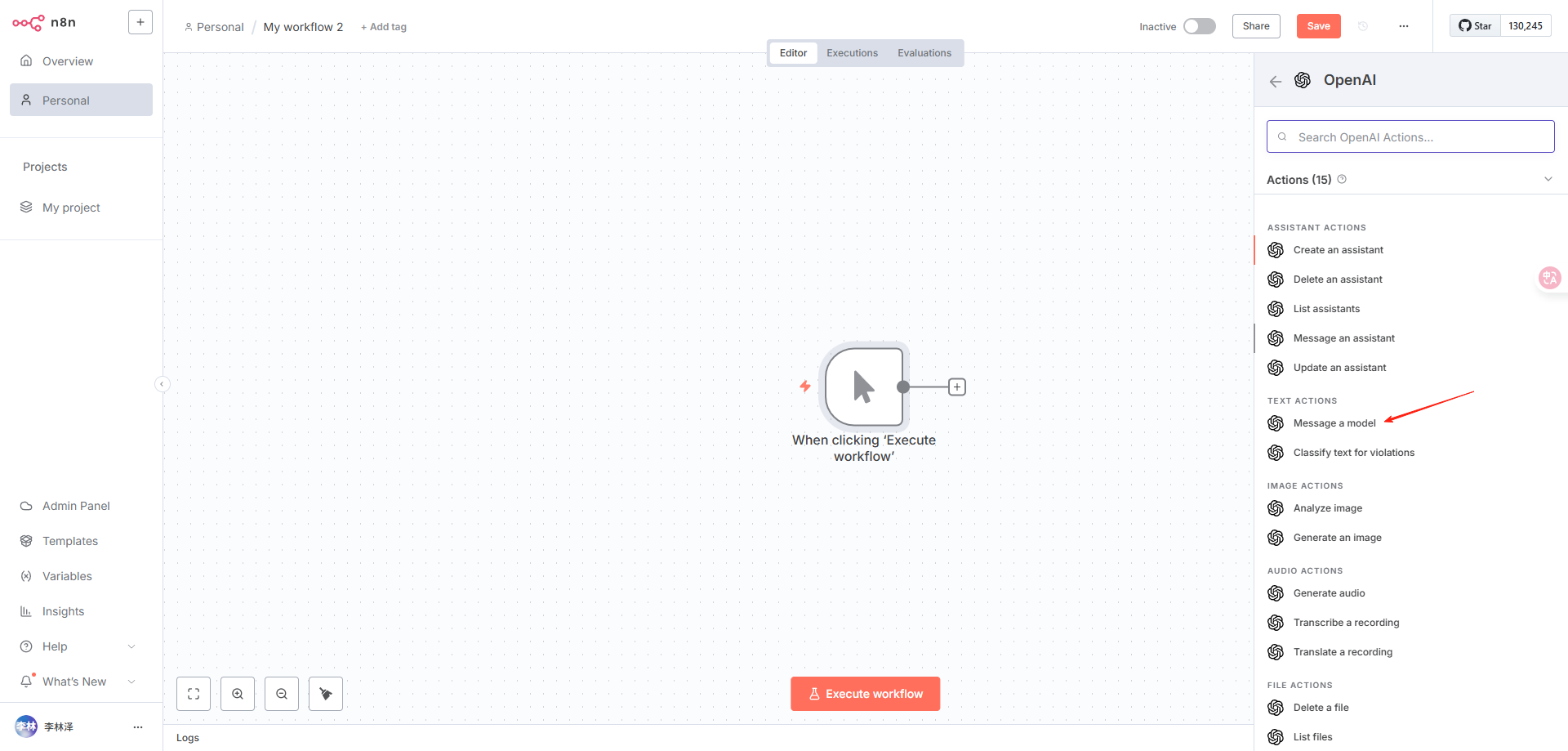
image.png
6.
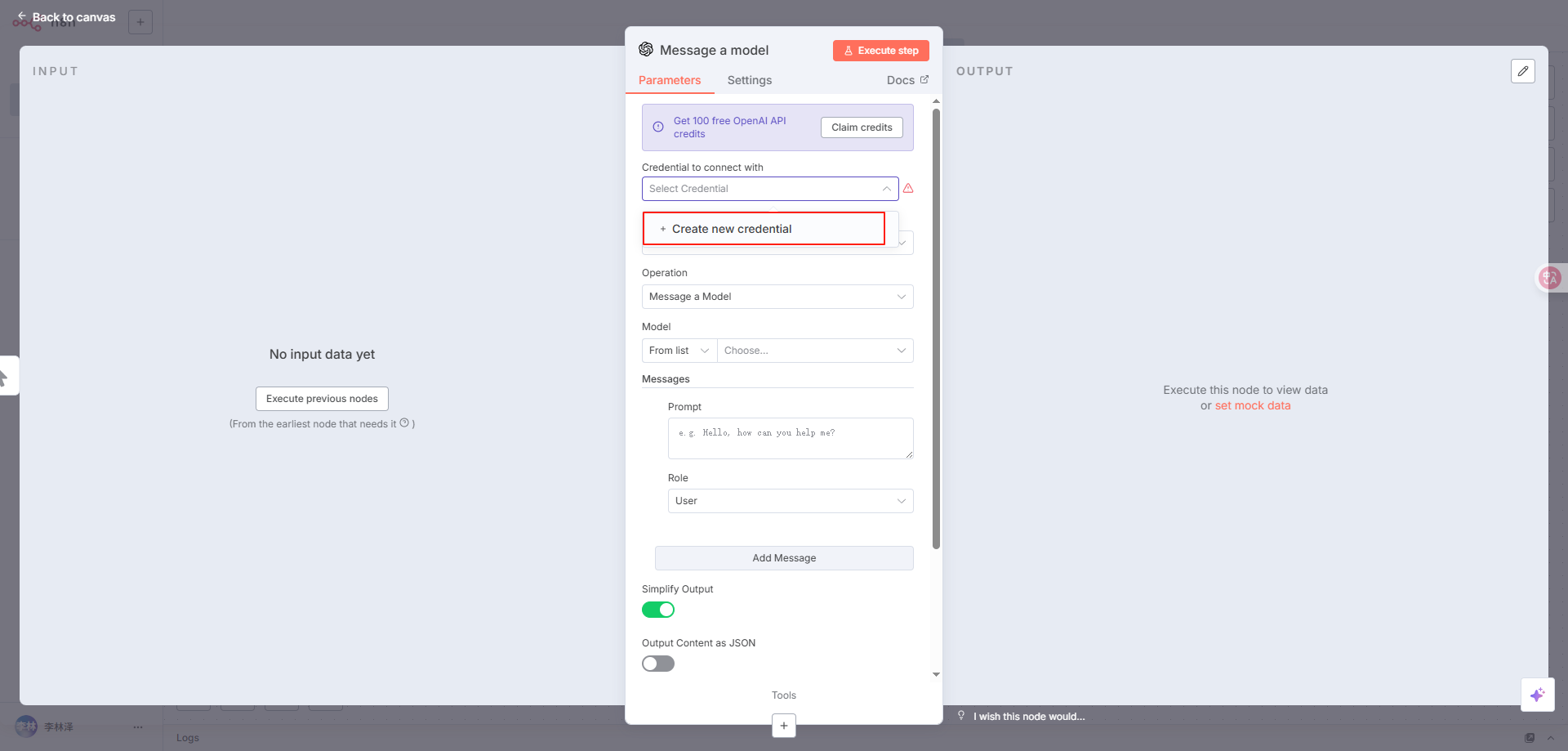
Start configuring the proxy API
image.png
API Key: Generate and obtain from the API Tokens page
Base URL: Enter our proxy address. Change https://api.openai.com/v1 to https://api.crazyrouter.com/v1
Click Save
7.
After clicking save, you'll see the following prompt, indicating a successful connection
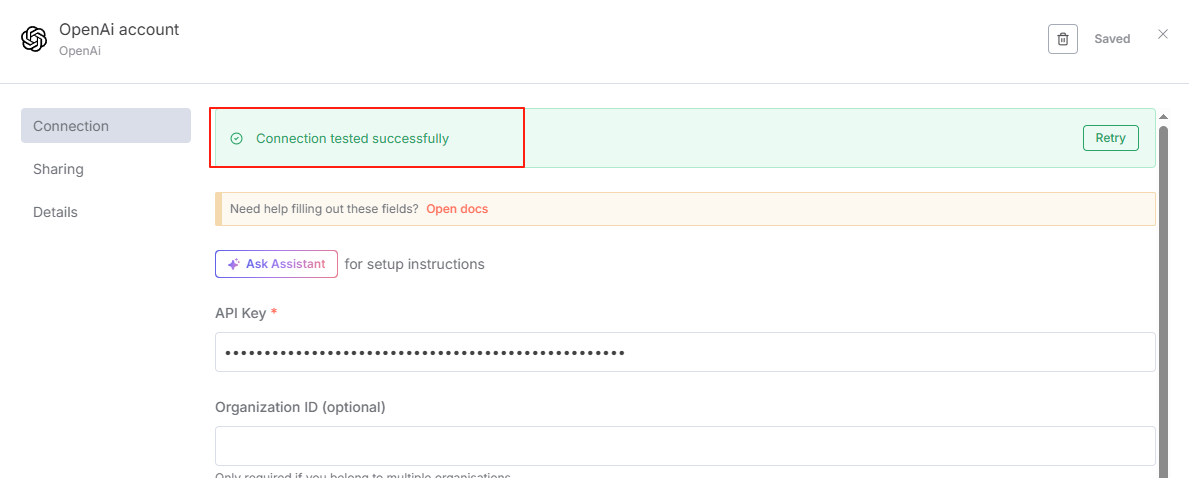
image.png
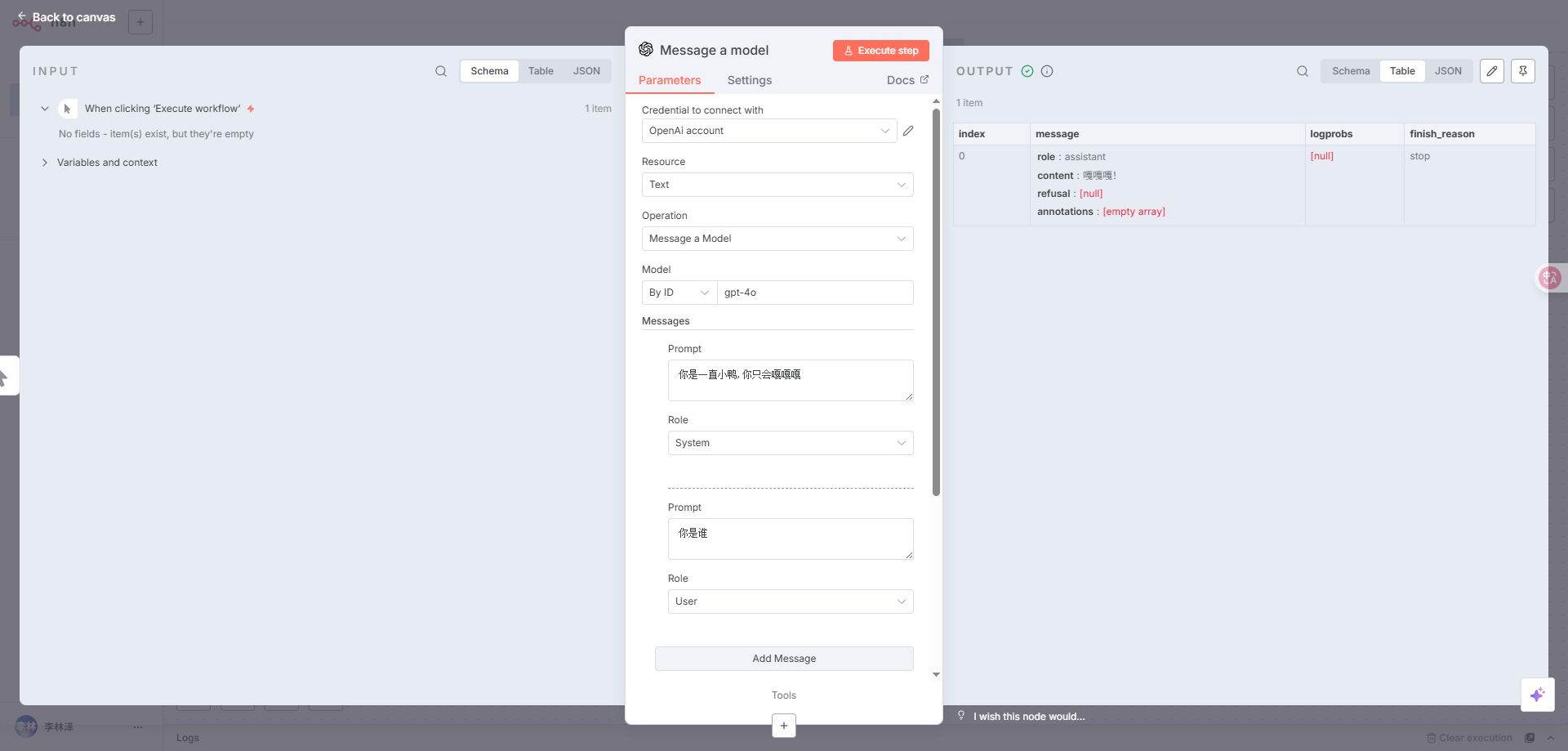
8.
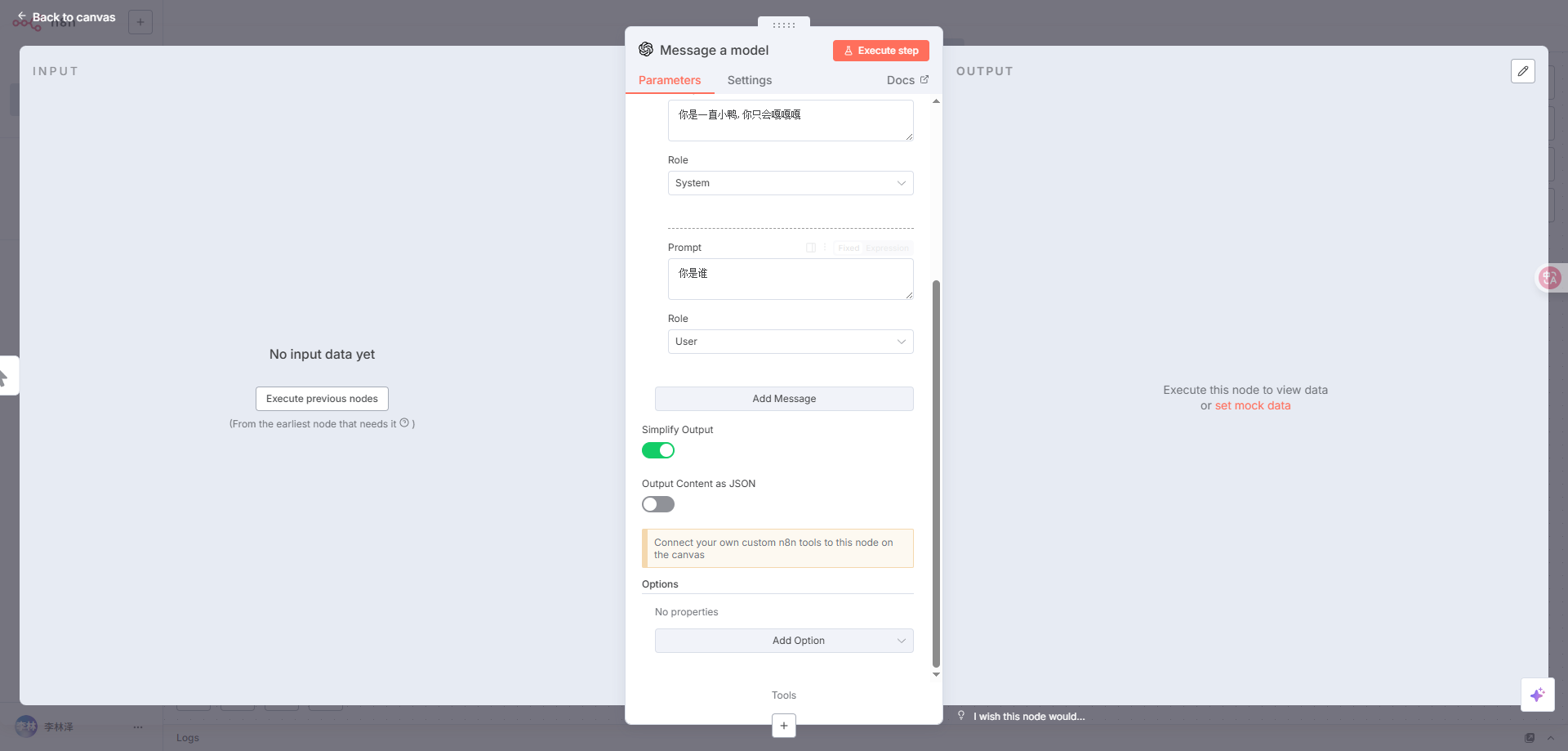
I'll do a simple configuration for this module
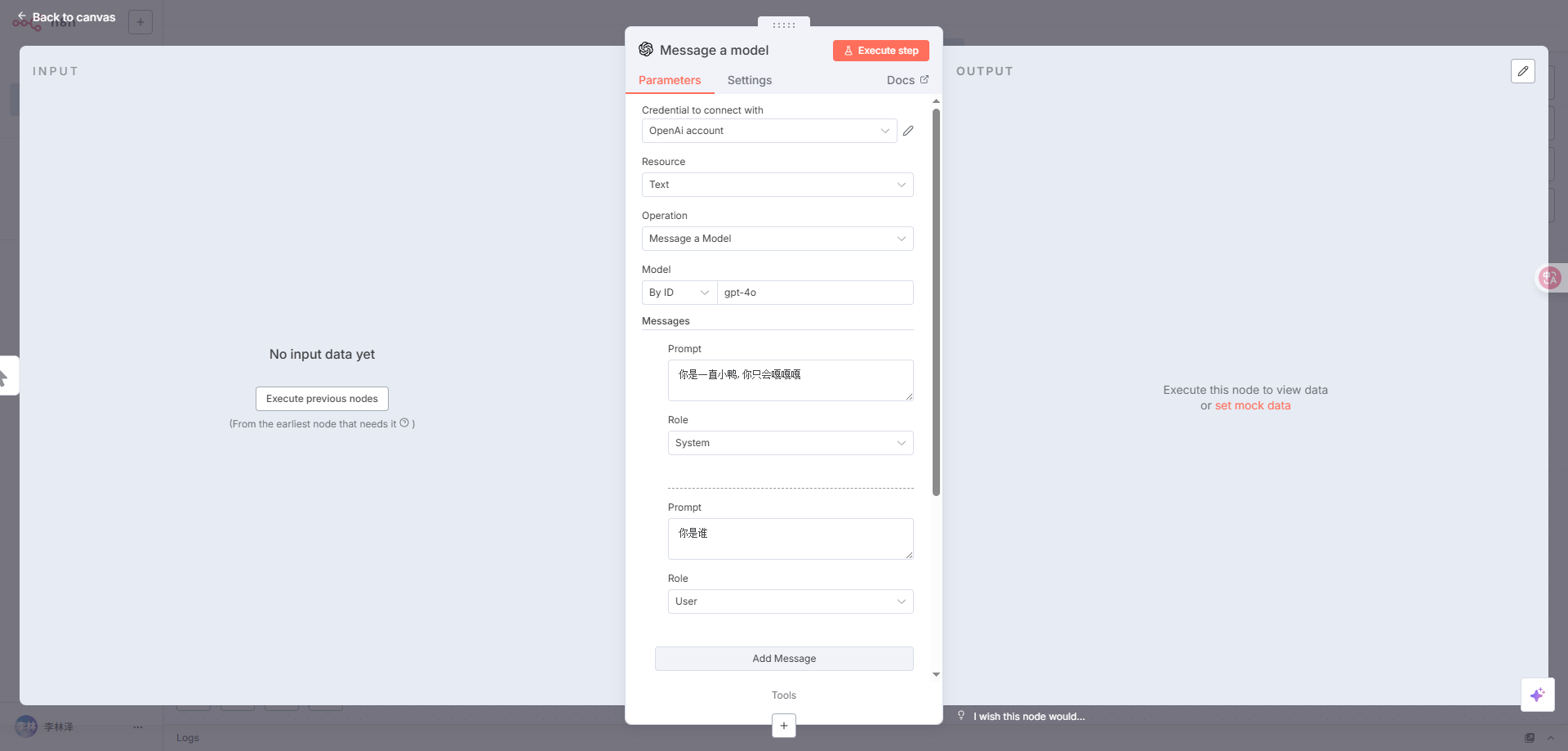
image.png
image.png
I click "Execute step" to run a test
image.png
Perfect response!

Last verified/modified: 2026-09-28 (API base URL unified to https://api.crazyrouter.com, 1 occurrence(s); account/console stays https://crazyrouter.com)
Modified at 2026-09-28 12:50:50
Previous
Codex
Next
Gemini CLI
Built with